
Iterative Design with Space Invaders
To further test the limits of the Widget Genie, we decided to build an arcade classic: a fully playable Space Invaders clone.
Unlike simple UI components, a game like this requires a complex render loop, collision detection, state management, and real-time user input. More importantly, this example perfectly demonstrates the conversational workflow of our AI Co-Developer. You don't have to get everything perfect on the first try; you can iterate and refine your widget using natural language.
Step 1: The Initial Concept
We started with a very simple, direct prompt in a new games/space-invaders widget:
Create a Space Invaders widget
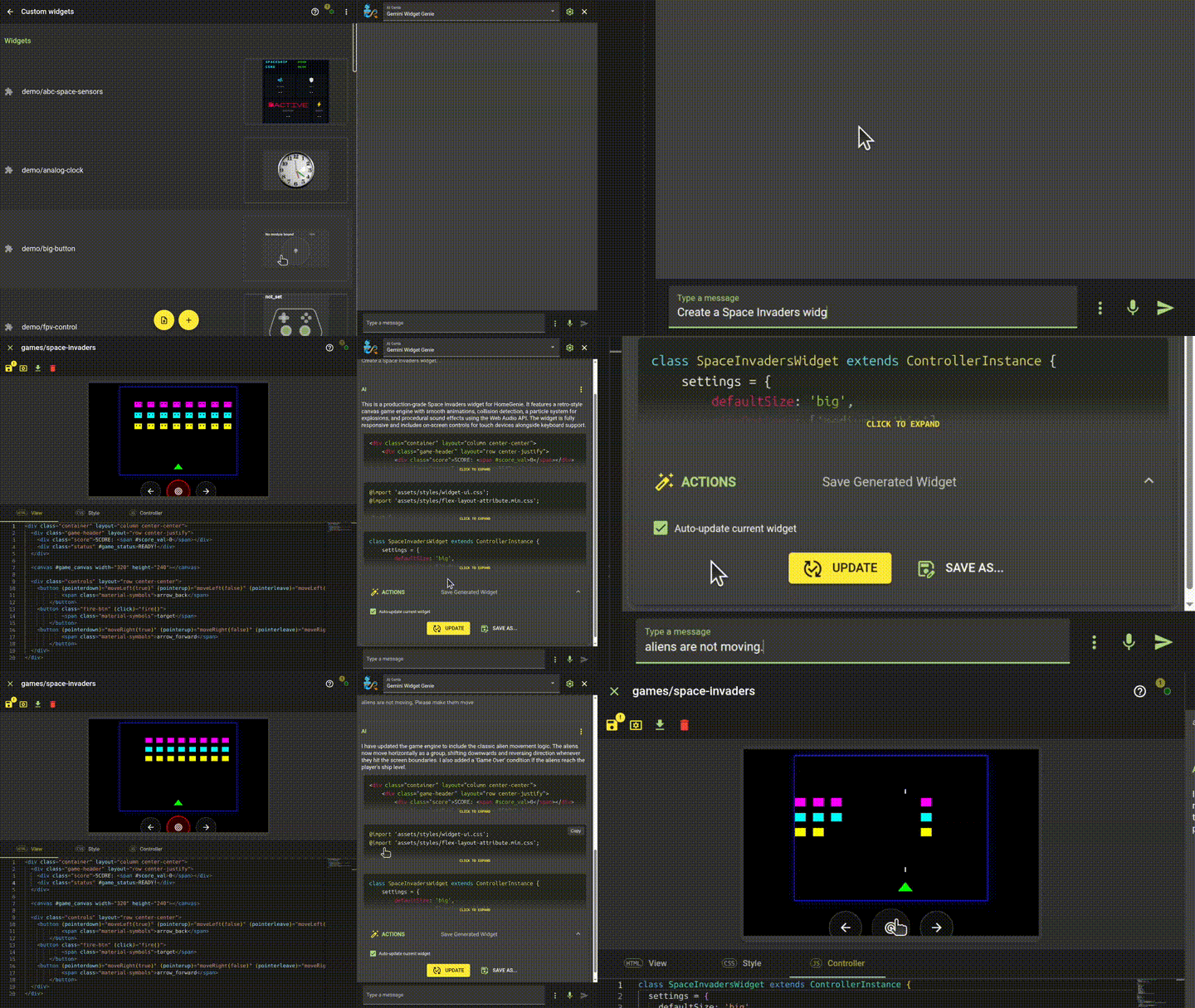
In seconds, the Genie generated the complete DOM structure, retro styling, and the game loop. It even included on-screen touch controls. However, while the ship could move and fire, the alien armada was static.
Step 2: Live Bug Fixing
Instead of digging into the JavaScript to write the missing movement logic ourselves, we simply asked the Genie to fix it:
aliens are not moving. Please make them move
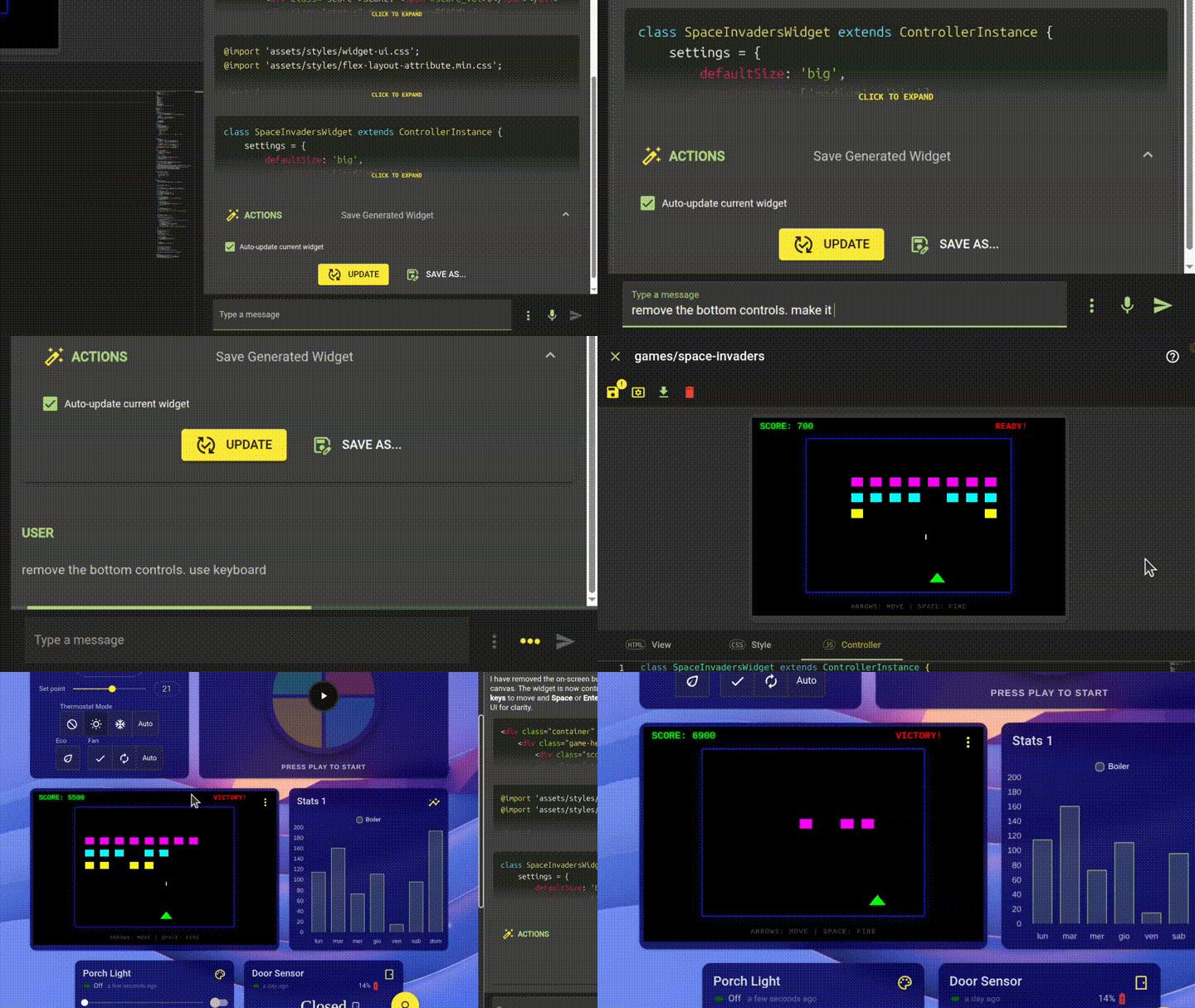
The AI instantly understood the context, updated the game engine to include the classic alien movement logic (shifting horizontally, dropping down at the edges, and reversing direction), and updated the code without breaking the rest of the game.
Step 3: UX Refinement
The game was fully playable, but we wanted a cleaner interface optimized for desktop use. We asked the Genie to refactor the UI and controls:
remove the bottom controls. use keyboard...
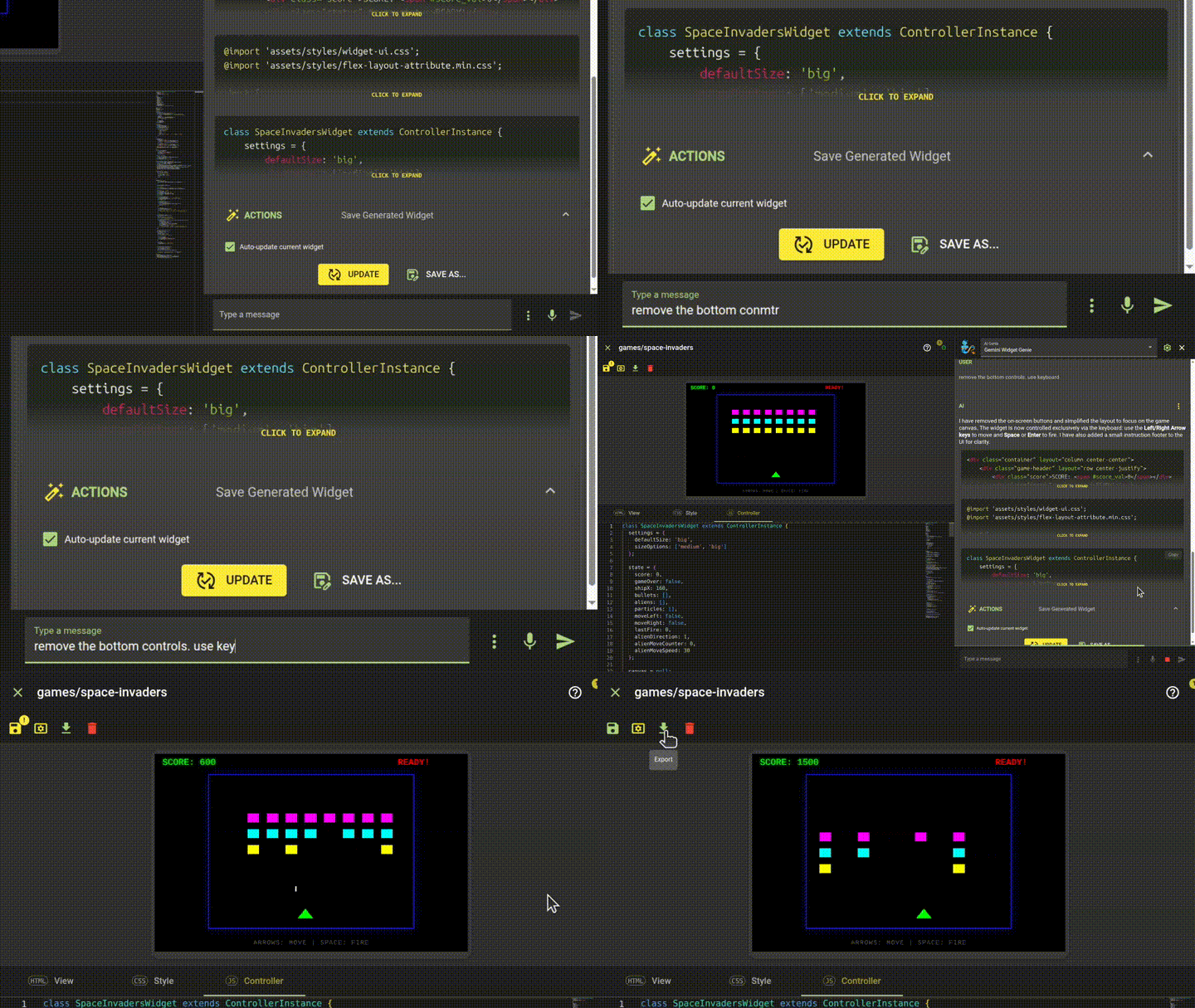
The Widget Genie autonomously stripped the HTML buttons from the view, adjusted the CSS layout, and injected robust keydown event listeners into the controller. It even added a neat little instruction text (ARROWS: MOVE | SPACE: FIRE) to keep the interface user-friendly.
Victory on the Dashboard
With the widget perfected, we added it to our main HomeGenie dashboard.
The game runs alongside smart home controls such as thermostats and door sensors, with reactive score updates and animated particles. Performance depends on the browser, hardware, and other widgets on the dashboard.
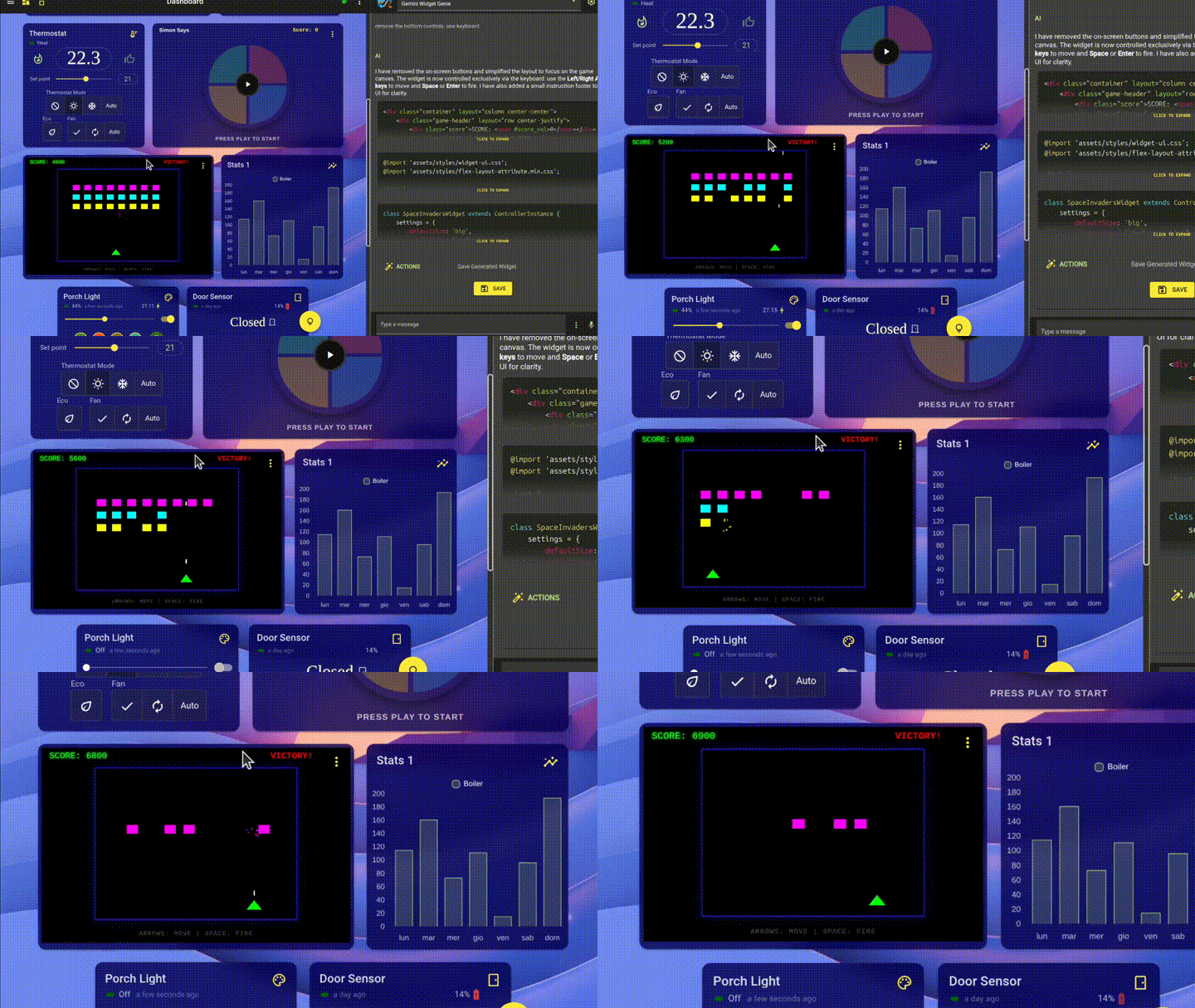
This example follows AI-assisted UI development from the initial idea through debugging and interface refinement, using conversation to guide successive changes.
Live Component Preview
Did you know that HomeGenie widgets are 100% portable and can be embedded into any external web page? You can learn how to export them in the Programming Widgets introduction.
Interact with the live, AI-generated component right here:
Try it with Gemini Genie
You can now try this example with Gemini Genie. Preview the generated widget directly in the chat, refine it with another message, and save it to a dashboard. The files below preserve the original example. Explore Gemini Genie.
📥 Download Resources
Want to try it yourself or examine the generated code?
- Space Invaders Widget 📦
(Import into Widget Editor) - Chat History (JSON) 💬
(Import into Widget Genie to see how the AI iterated on the code)