Open media

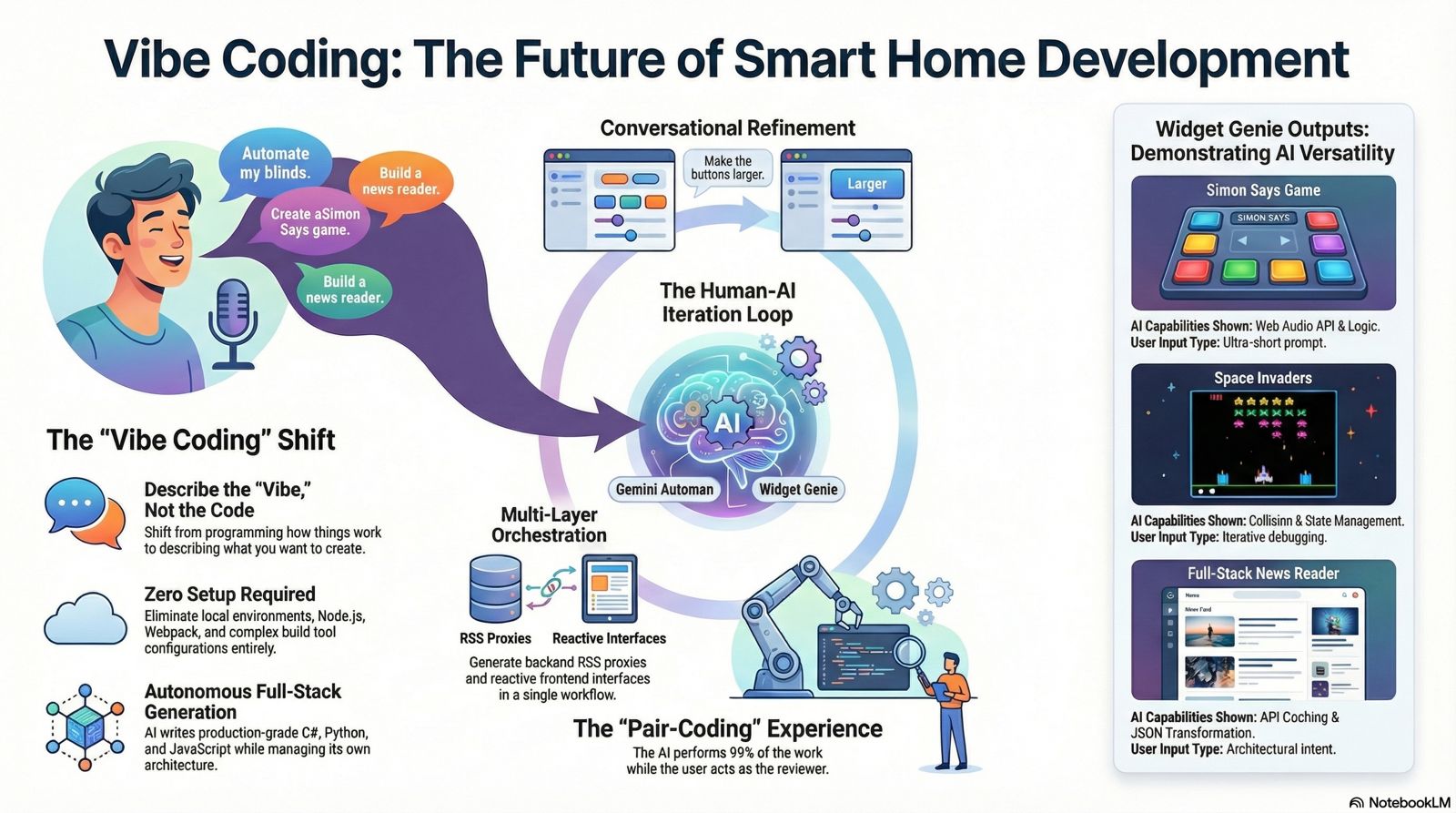
Forget the days of reading API docs, setting up build tools, and fixing syntax errors just to automate your systems. HomeGenie shatters that barrier. We are shifting the paradigm: you can now stop programming how things work, and just start describing what you want to create.
Vibe Coding is the experience of building software by describing the "vibe", the mechanics, and the ultimate goal of your project in natural language. You focus on the idea, while an AI agent handles the boilerplate, the styling, and the underlying architecture.
You are the director; Gemini Automan and the Widget Genie are your orchestra.
Having these tools is like having a tireless, Senior Full-Stack Developer built right into your dashboard. Simply describe what you want in plain English, and the AI will autonomously:
In this section, you won't find traditional step-by-step programming tutorials. Instead, you will find conversational case studies that demonstrate the sheer magic of our AI Co-Developer.
When you use the Widget Genie, you experience a frictionless workflow:
By analyzing the examples below, you will learn how the Genie structures dynamically loadable Web Components, handles reactive state management, and seamlessly interacts with the HomeGenie backend.
More importantly, you don't have to start from scratch. For every example, we provide the downloadable Widget archive and the Chat History JSON. You can import the history directly into your HomeGenie dashboard and continue the conversation right where we left off, modding the examples to fit your exact needs.