Agentic AI Showcase
Exploring HomeGenie 2.0 Agentic AI and the Lailama Engine.

Open media

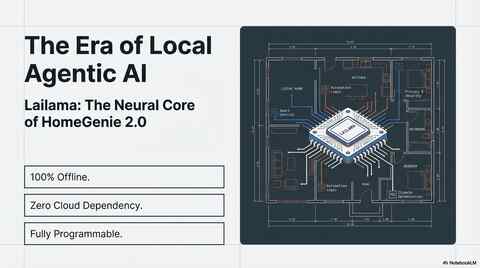
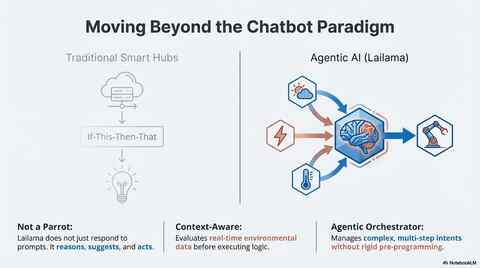
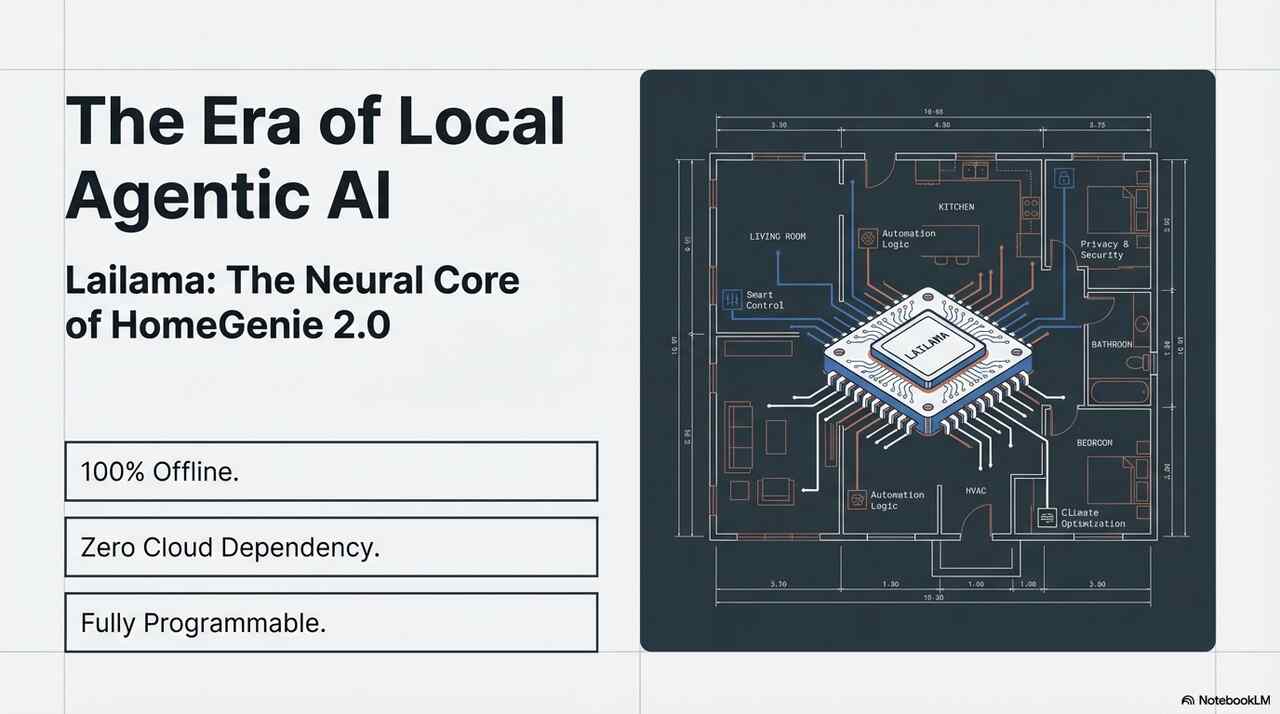
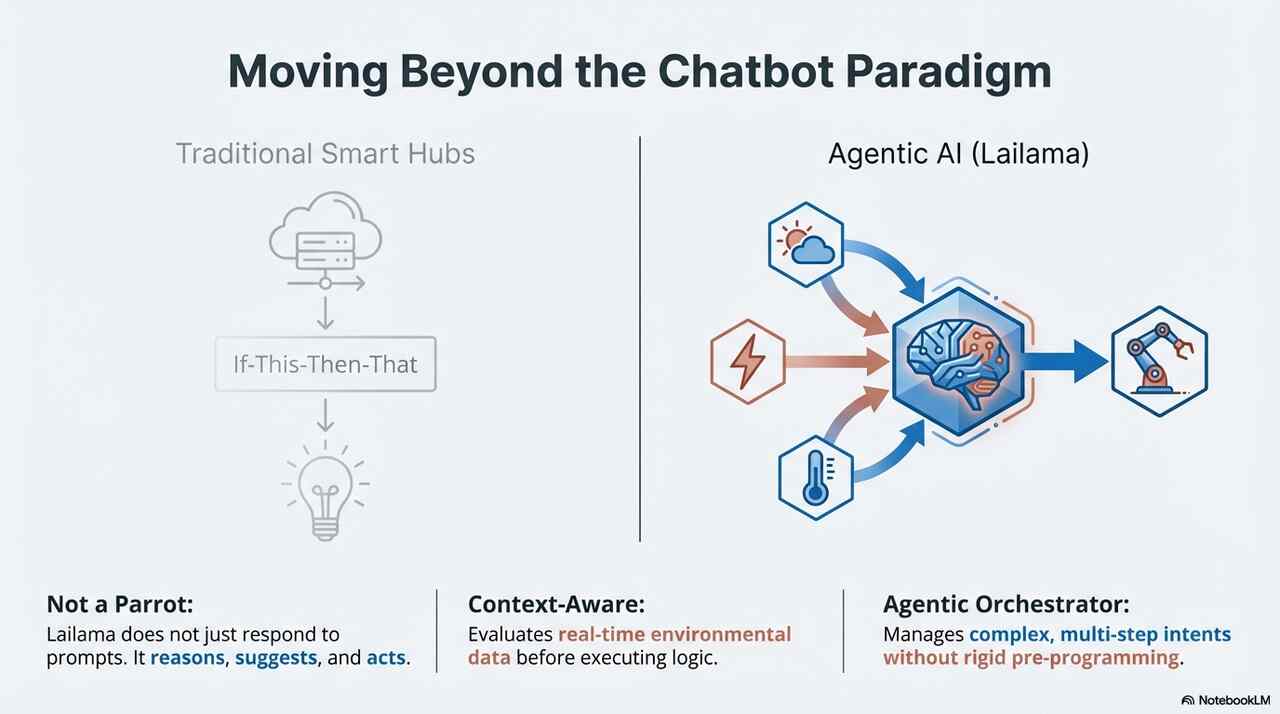
HomeGenie 2.0 introduces the era of fully local Agentic AI. By combining Generative Intelligence with a Programmable UI, your server evolves into an autonomous coordinator. It doesn’t just respond to commands: it reasons, suggests, and acts. All while running 100% offline.
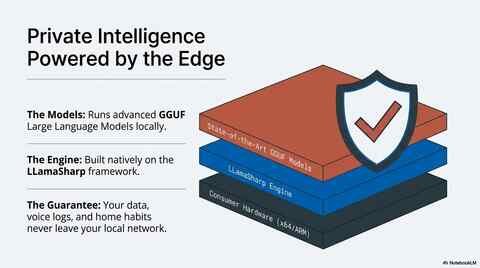
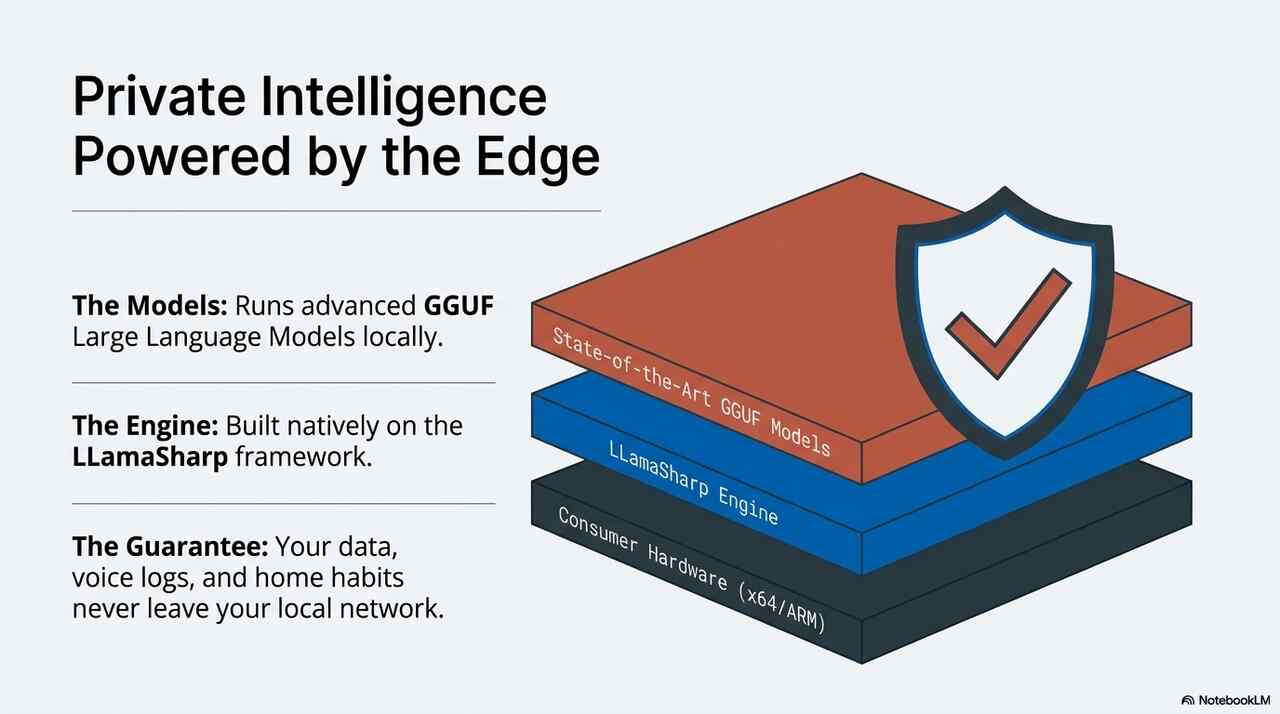
Lailama is HomeGenie’s Neural Core. It runs state-of-the-art GGUF models locally, transforming a simple chatbot into an Autonomous Agent capable of managing your entire Intelligent System.
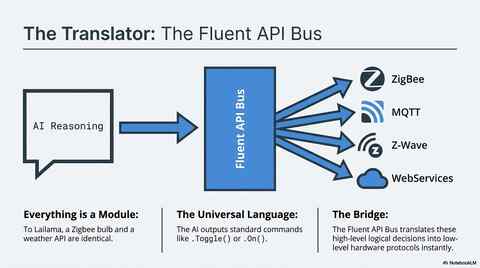
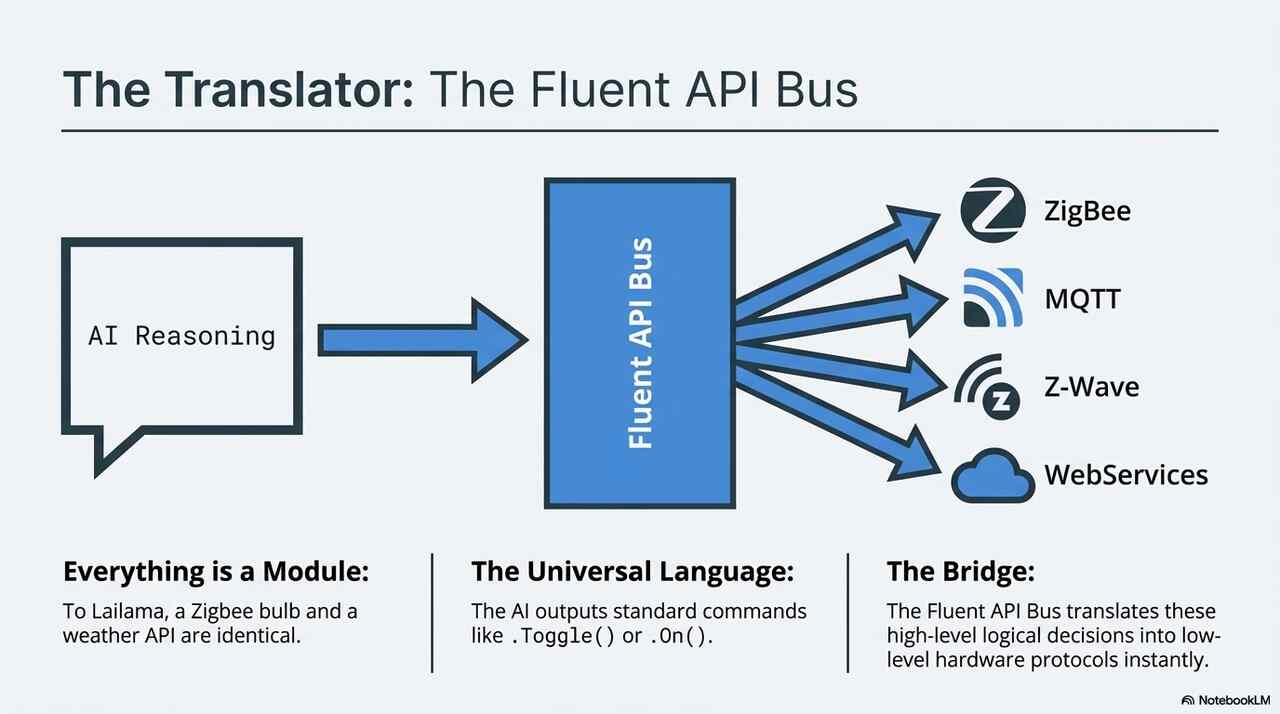
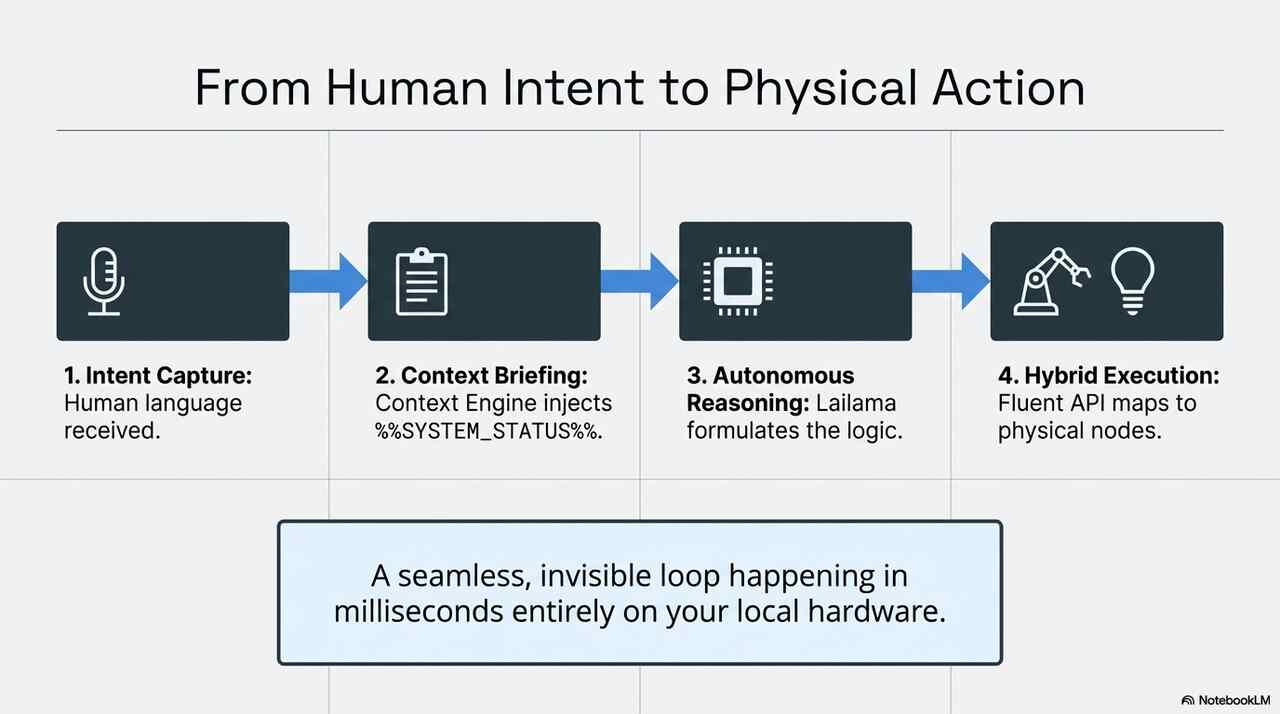
The heart of this system is the Fluent API Bus di HomeGenie, a high-level abstraction layer that allows the Lailama Reasoning Core to interact with the physical and digital world through a unified language.
graph TB
    %% Definizione Stili (Light Blueprint Palette)
    classDef default font-family:sans-serif, color:#334155, white-space: nowrap;
    classDef edgeSystem fill:#f8fafc,stroke:#0ea5e9,stroke-width:2px,stroke-dasharray: 8 4;
    classDef reasoning fill:#fffbeb,stroke:#d97706,stroke-width:3px,color:#92400e;
    classDef execution fill:#f0f9ff,stroke:#0284c7,stroke-width:2px,color:#0369a1;
    classDef hardware fill:#ffffff,stroke:#0ea5e9,stroke-width:1px,stroke-dasharray: 4;
    classDef services fill:#ffffff,stroke:#7c3aed,stroke-width:1px,stroke-dasharray: 4;
    classDef privacy fill:#f0fdf4,stroke:#16a34a,stroke-width:2px,color:#15803d;
    classDef cloud fill:#fef2f2,stroke:#dc2626,stroke-width:2px,stroke-dasharray: 4,color:#b91c1c;
    classDef input fill:#ffffff,stroke:#64748b,stroke-width:1.5px;

    subgraph GLOBAL_TITLE [HomeGenie Agentic AI System v2.0]
        direction TB

        subgraph LOCAL_STACK [AI EDGE STACK]
            direction TB

            %% Input Layer
            subgraph INPUT_LAYER [ ]
                direction LR
                USER[USER INTENT
 VOICE/TEXT/UI]
                SCHED[SCHEDULER
 GENIE COMMAND]
            end

            %% Core
            LAILAMA{{LAILAMA
 AGENTIC REASONING}}

            %% Orchestrator
            BUS(FLUENT API BUS
 HOMEGENIE API)

            %% Execution Layer
            subgraph HYBRID_EXECUTION [HYBRID EXECUTION LAYER]
                direction LR
                subgraph HW [HARDWARE / ROBOTS]
                    direction TB
                    H1[● LIGHTING SYSTEMS]
                    H2[■ CLIMATE CONTROL]
                    H3[▲ KINETIC NODES]
                end

                subgraph DS [DIGITAL SERVICES]
                    direction TB
                    S1["{} CUSTOM SCRIPTING"]
                    S2["[] SYSTEM PROGRAMS"]
                    S3["<> EXTERNAL WEB APIs"]
                end
            end
        end

        %% Security Wall
        WALL{{PRIVACY ISOLATION WALL}}

        %% External
        subgraph EXTERNAL [PUBLIC CLOUD]
            ZONE[UNTRUSTED ZONE
 DATA HARVESTING
 LATENCY RISKS]
        end
    end

    %% Connections
    USER --> LAILAMA
    SCHED --> LAILAMA
    LAILAMA ==>| Intent Mapping | BUS
    BUS --> HW
    BUS --> DS
    LOCAL_STACK -.-x| - | WALL
    WALL -.-x EXTERNAL

    %% Assegnazione Classi
    class LOCAL_STACK edgeSystem;
    class LAILAMA reasoning;
    class BUS execution;
    class HW hardware;
    class DS services;
    class USER,SCHED input;
    class WALL privacy;
    class EXTERNAL cloud;
    class H1,H2,H3,S1,S2,S3 default;
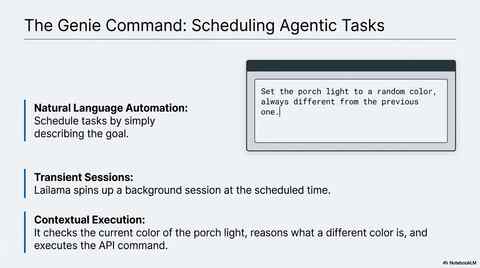
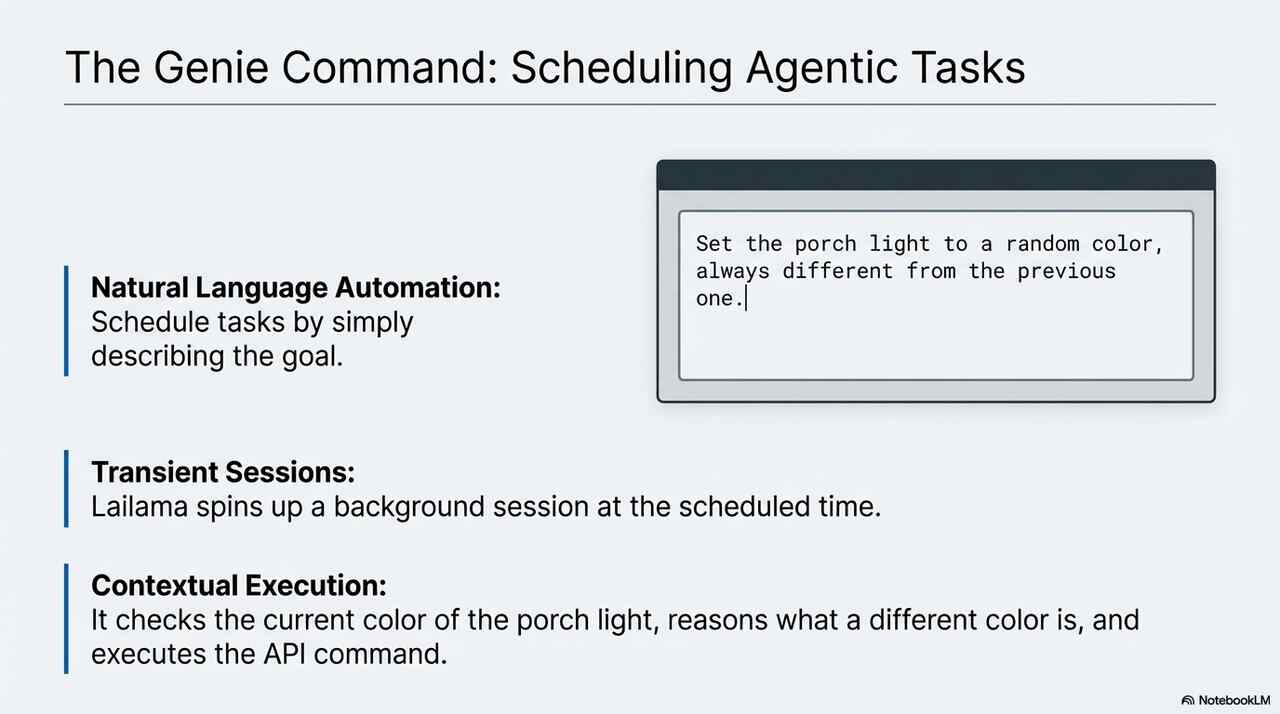
The real power of Lailama lies in its ability to perform complex tasks autonomously.
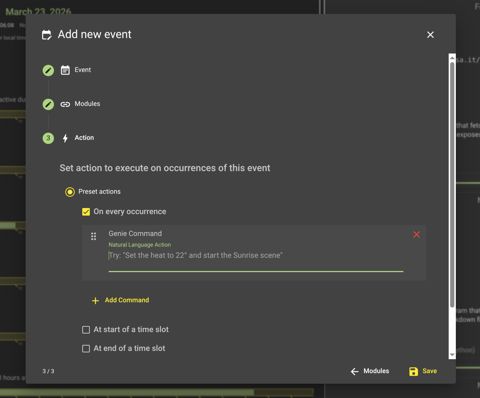
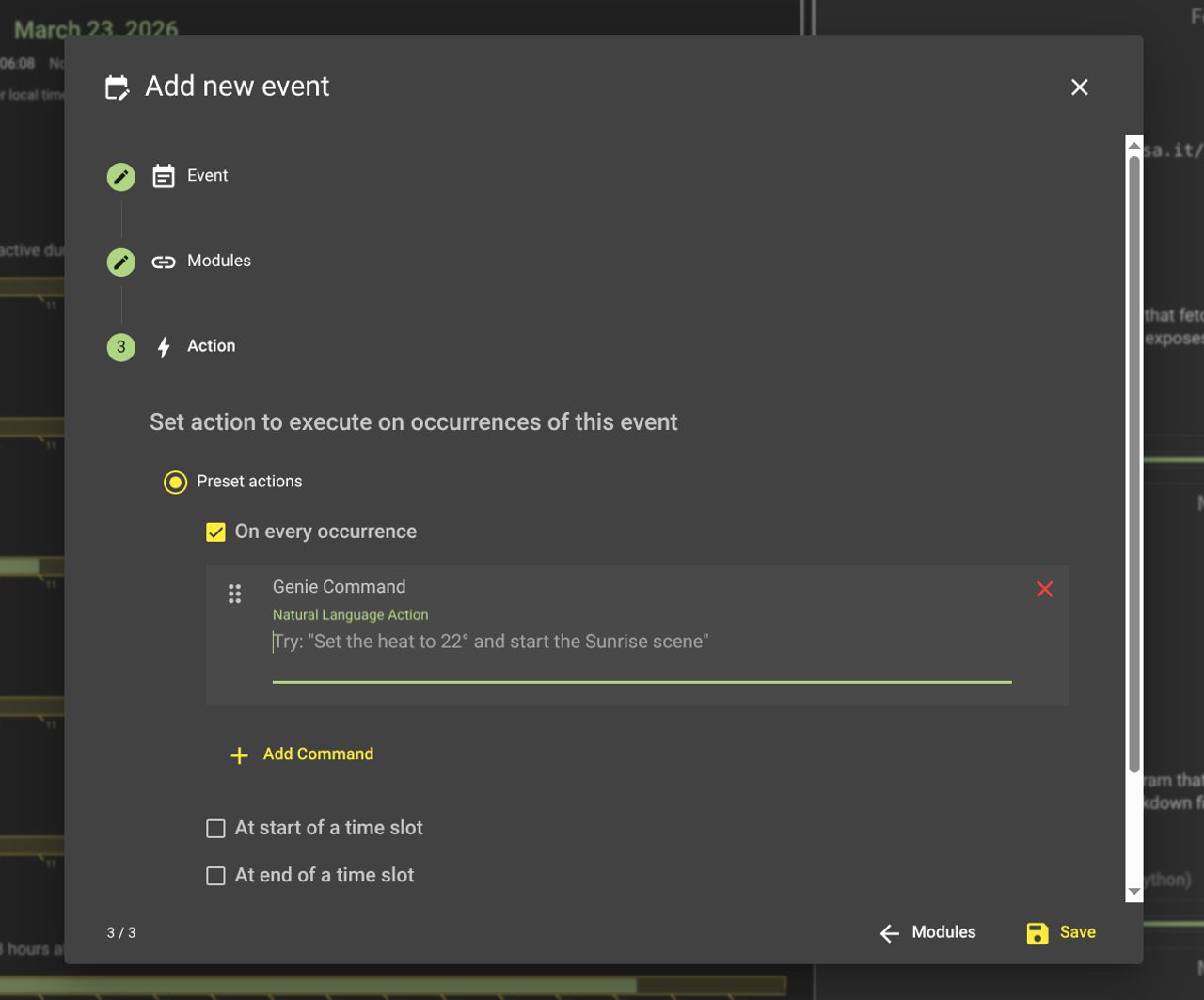
In the HomeGenie Scheduler, set your trigger (time, date, or recurrence) using the standard calendar UI. Then, select the Genie Command action and simply type the goal you want to achieve in the text field.
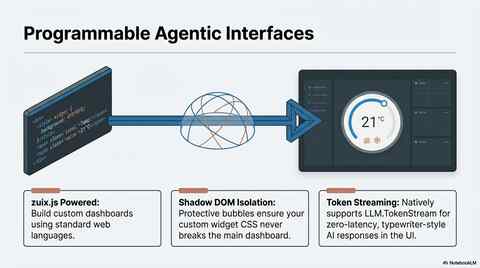
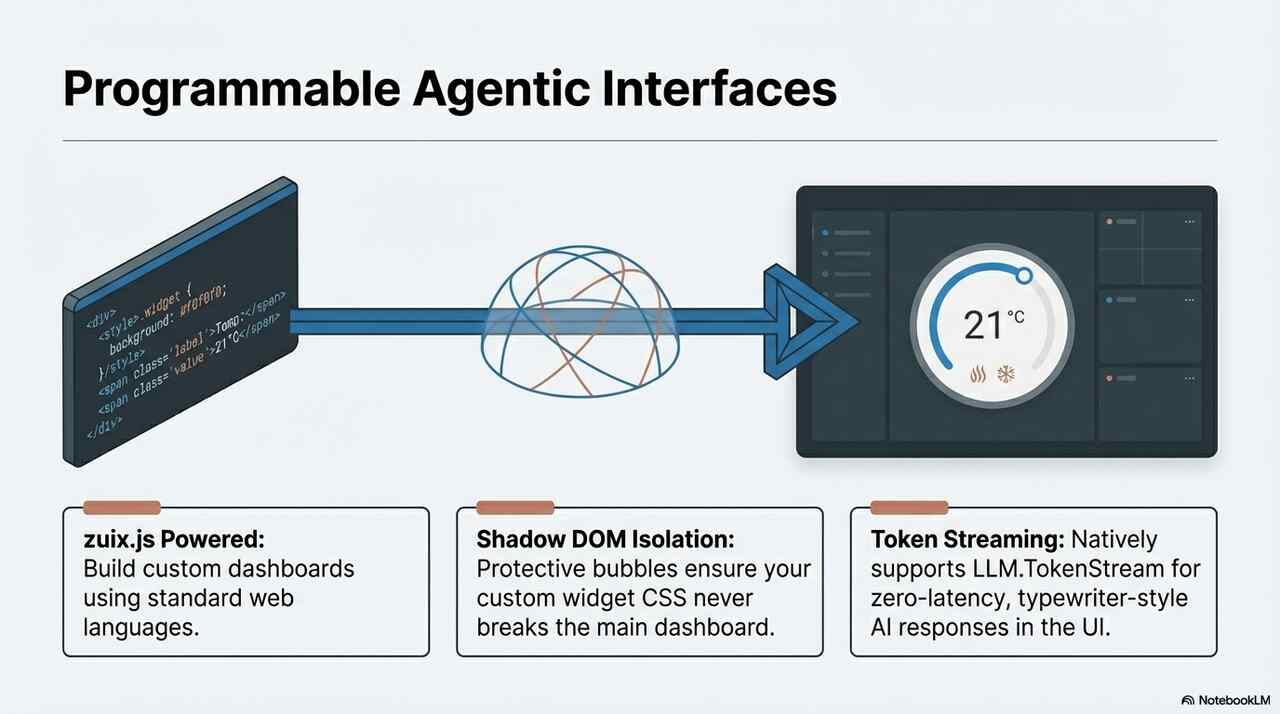
The Lailama module emits tokens via the LLM.TokenStream property during inference. This token stream can be read by widgets (UI side) and programs (backend) and possibly used to trigger actions and create automations based on AI responses.
Lailama exposes several endpoints for deep integration:
| Endpoint | Description |
|---|---|
AI.IntentHandlers/Lailama/Prompt.Submit/{text} | Stateful conversation added to persistent history. |
AI.IntentHandlers/Lailama/Prompt.Schedule/{text} | Background Agentic Task (ephemeral session). |
AI.IntentHandlers/Lailama/Prompt.Cancel | Aborts current AI generation. |
AI.IntentHandlers/Lailama/Extract/{text} | Parses text to execute embedded API commands. |
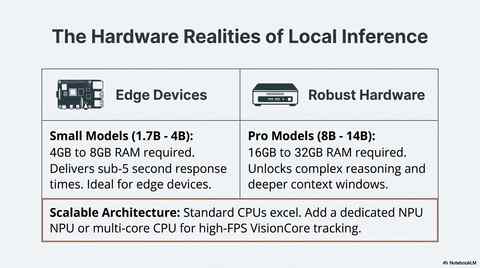
Lailama provides granular control to maintain speed and stability:
HomeGenie implements a modular Agentic AI Stack. Intelligence is not a "black box" but a distributed set of specialized system services. This architecture leverages HomeGenie’s core philosophy: treating every device, service, or script as a unified Module.
In HomeGenie, the Module is the universal abstraction. Whether it’s a physical ZigBee bulb, a DHT-22 sensor on a GPIO, or the Lailama Neural Core, they all exist as modules.
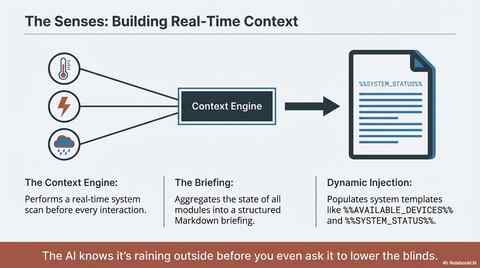
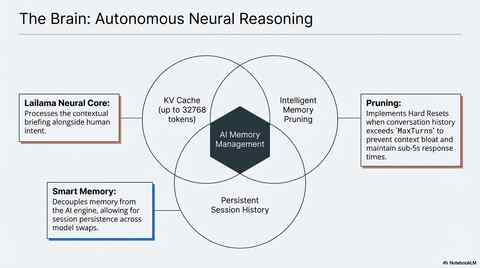
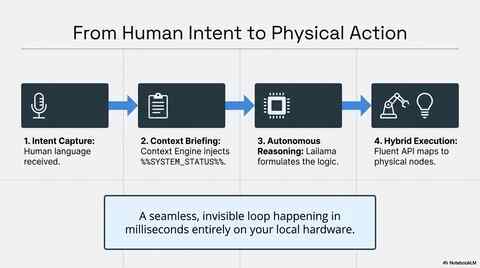
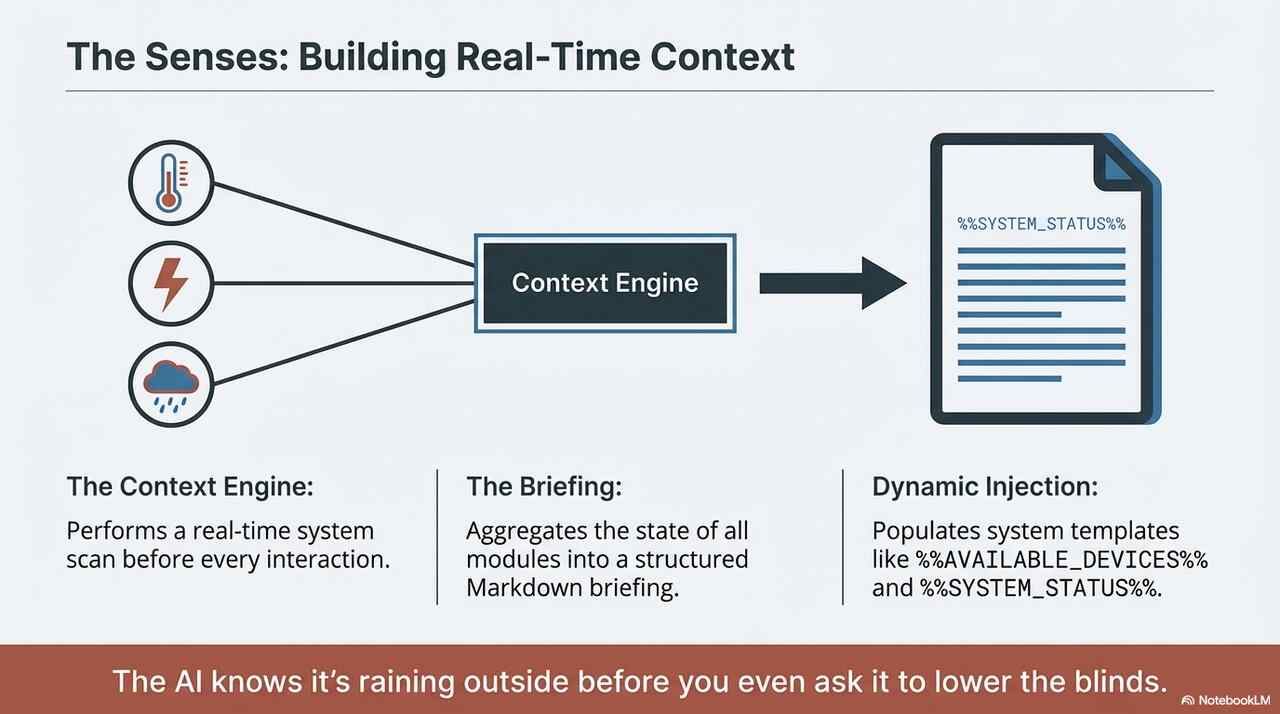
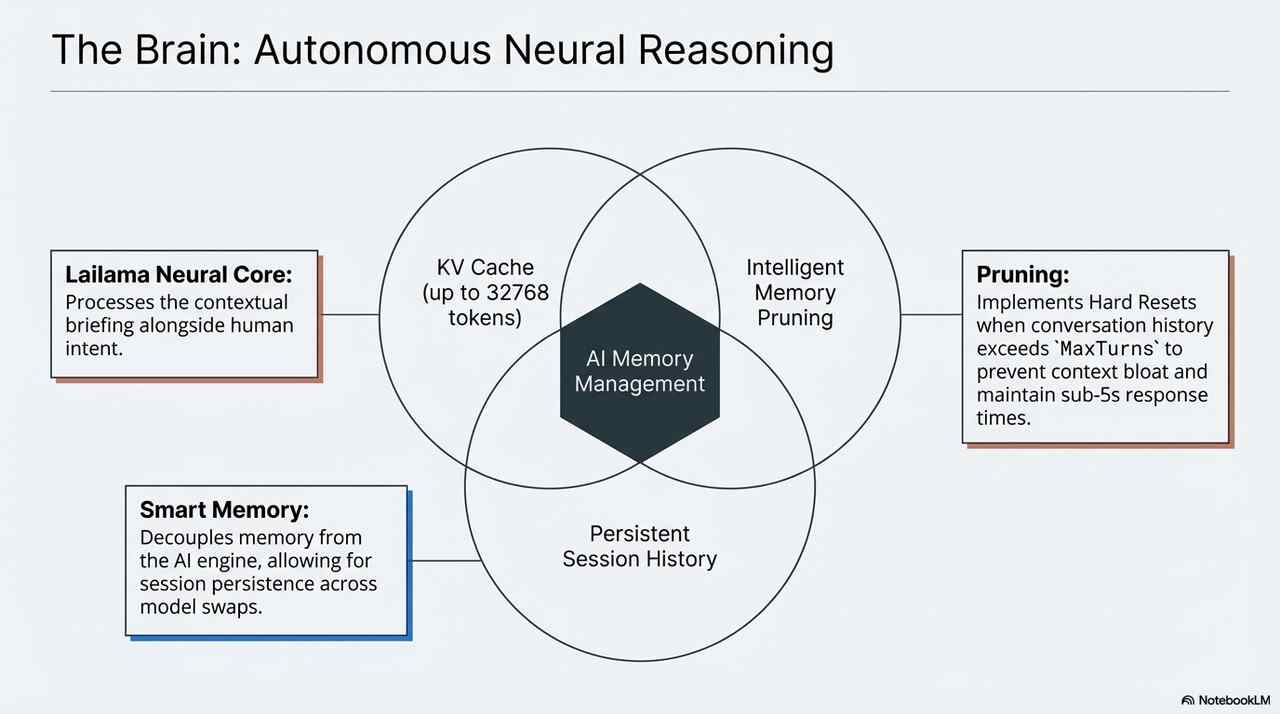
.Toggle() or .On() commands for any device, regardless of the protocol.@AI:IntentHandlers): This is the routing brain. It provides a Unified Intent Interface that abstracts the AI provider. It receives natural language and routes it to the active engine (Lailama for local edge processing or Gemini for cloud-based reasoning). This ensures your automations stay valid even if you swap the underlying LLM.%%AVAILABLE_DEVICES%% and %%SYSTEM_STATUS%% so the AI "sees" the house (weather, energy loads, security) before it thinks.session.LoadSession(resetState), Lailama maintains sub-5s response times by performing "Hard Resets" when the history exceeds the MaxTurns limit, preventing performance degradation.Lailama isn't hardcoded; it's a HomeGenie Automation Program. This means it uses the same APIs you use for simple tasks:
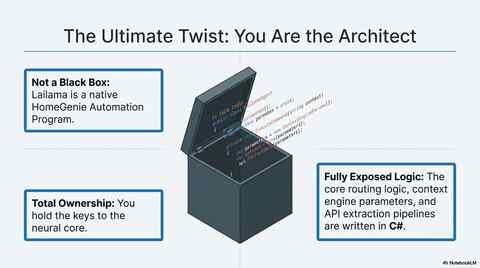
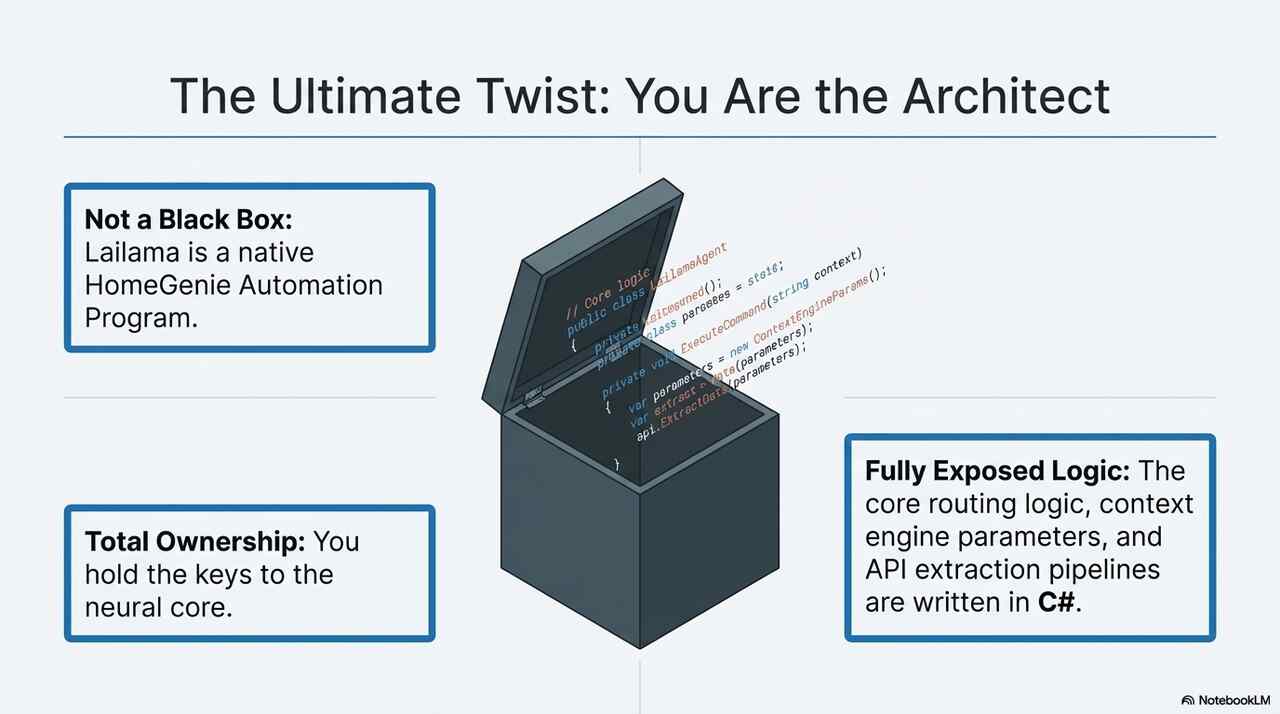
Api.Handle: To expose the Prompt.Submit and Prompt.Schedule endpoints.Program.AddFeature: To allow other modules to interact with the AI (e.g., adding an "AI-Enabled" checkbox to a standard light).ExtractAndExecute: A specialized pipeline that parses AI text output and maps it back to the Universal Fluent API, turning "thoughts" into physical actions.sequenceDiagram
participant UI as UI / Scheduler
participant L as Lailama Program
participant CH as Chat History Service
participant CE as Context Engine
participant LS as LLamaSharp (Neural Core)
UI->>L: Invoke Prompt.Submit / Schedule
L->>CE: Request Rendered Context
CE-->>L: Return Home Briefing
L->>CH: Fetch/Sync History
L->>LS: Run Inference (Briefing + History + Intent)
LS-->>L: Stream Tokens / Response
L->>L: Extract & Execute API Commands
L->>CH: Update Persistent History
L-->>UI: Final Response
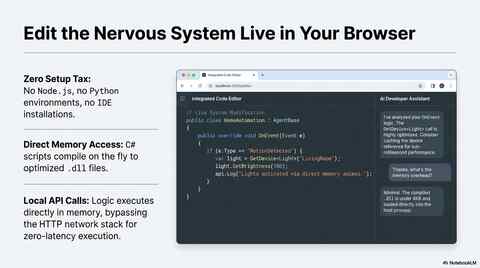
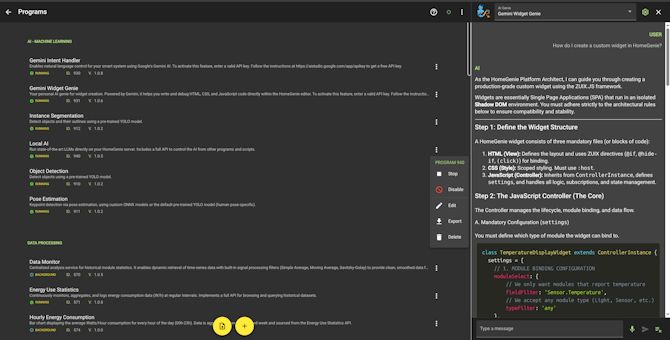
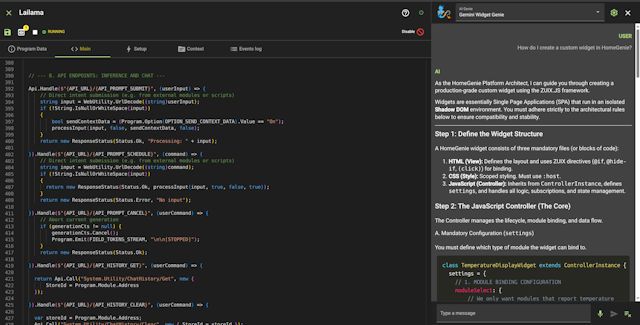
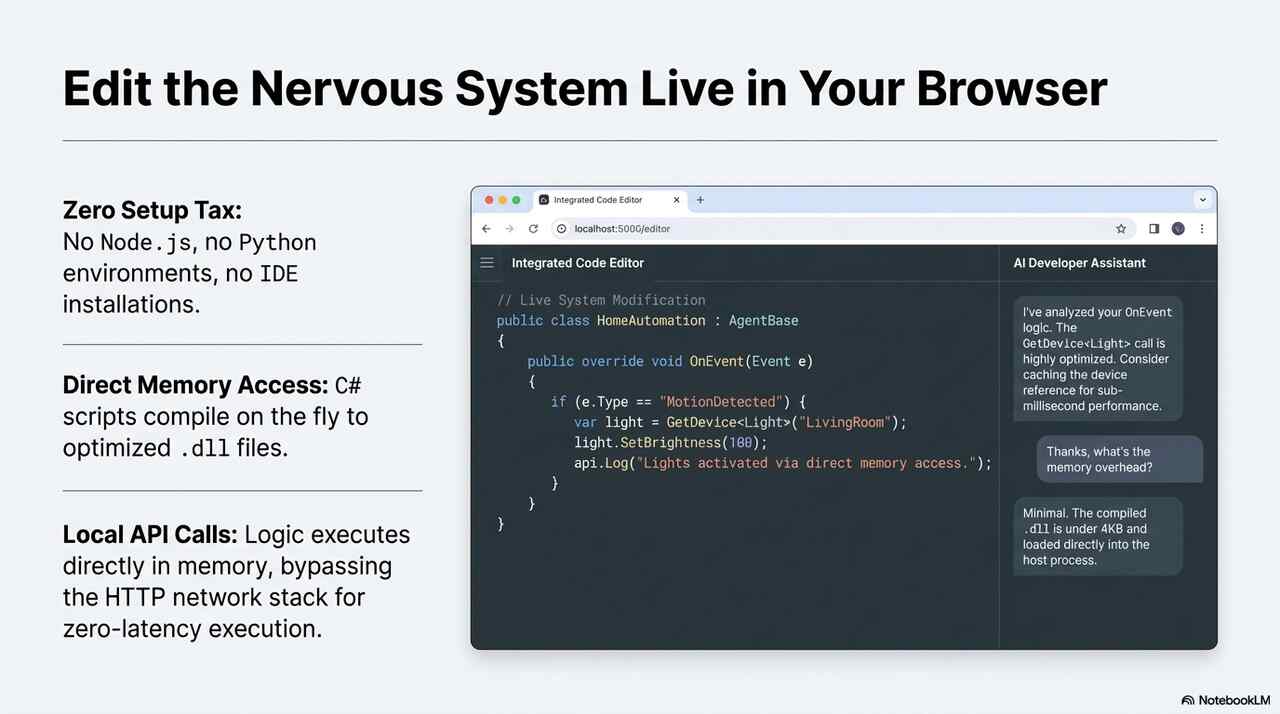
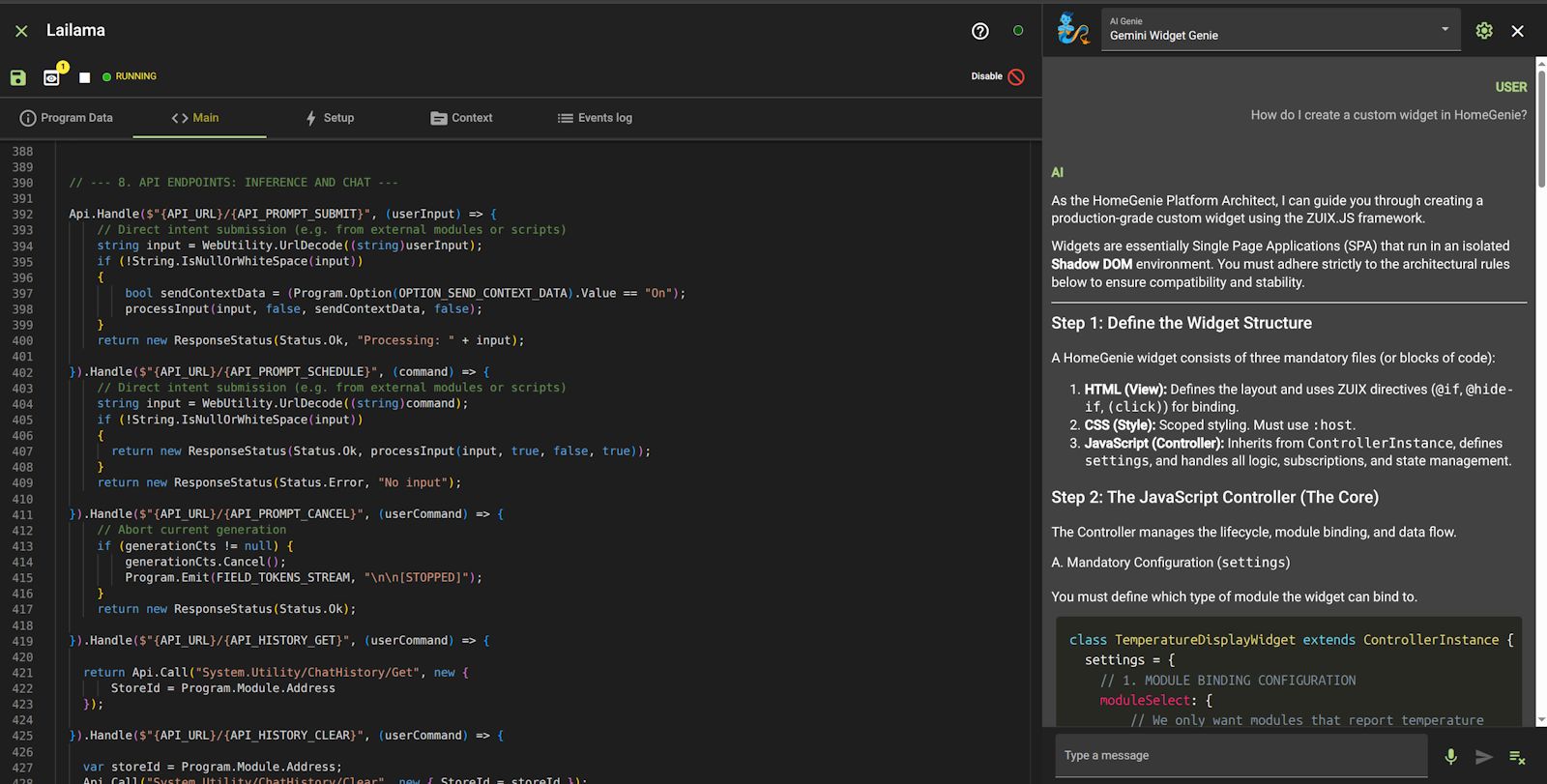
Since Lailama is a native automation program, its core logic is fully accessible through the Integrated Code Editor directly within the HomeGenie UI.
You can refine how the Context Engine perceives the environment, tweak neural parameters, or define new Programmable Features for the AI to command without ever leaving the dashboard or using external development tools.