Open media

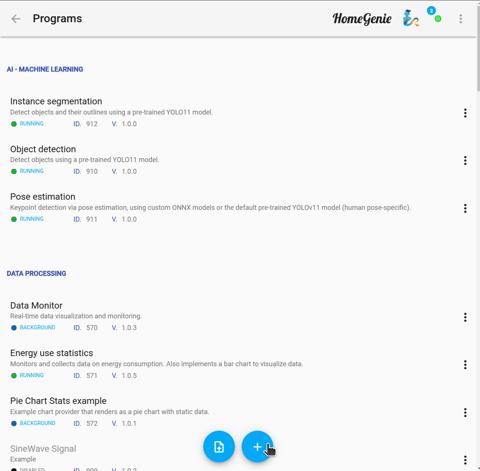
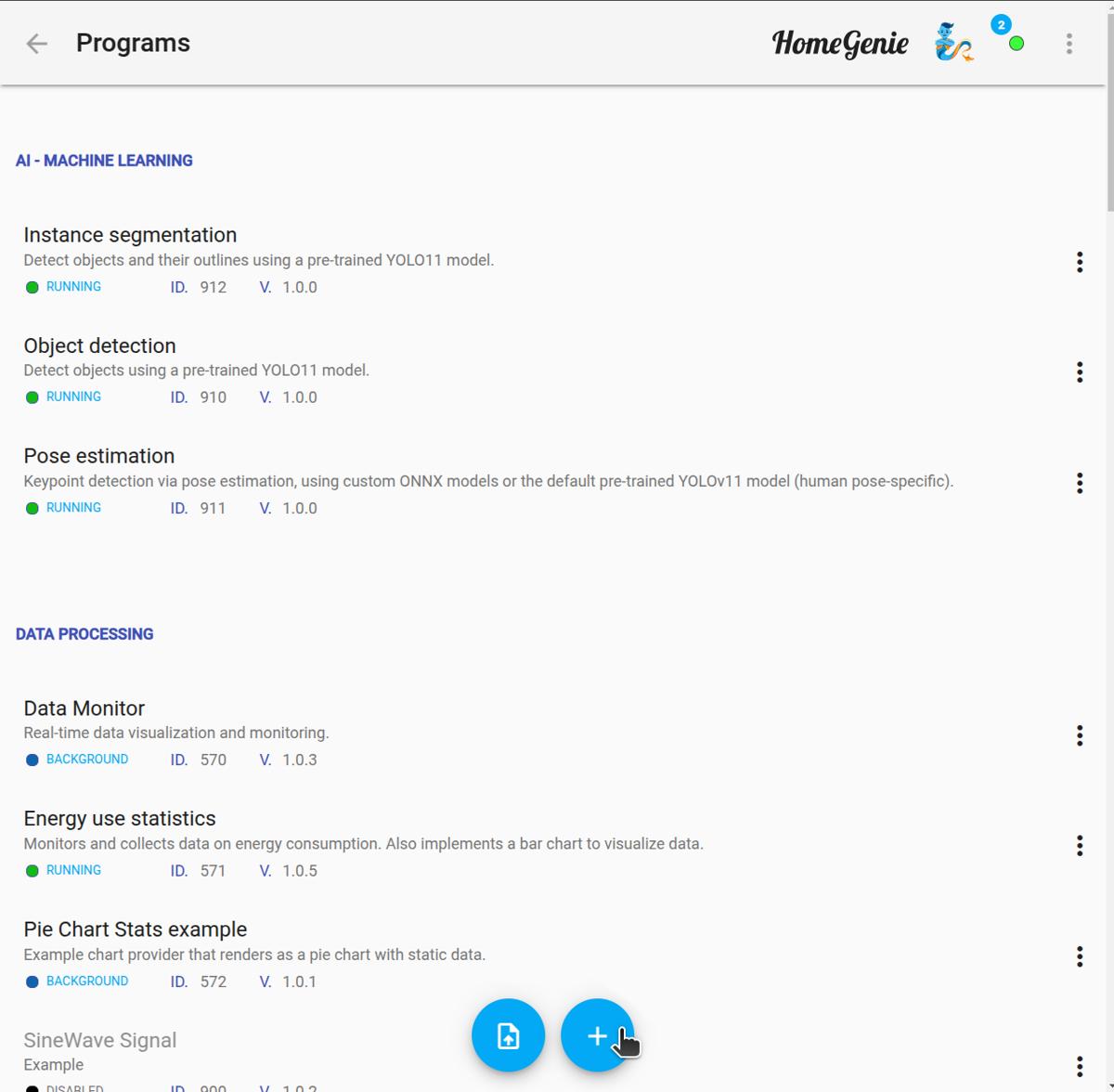
The Programs section is the nerve center of your HomeGenie system. Here, you manage the automation logic that defines your home's intelligence.
HomeGenie offers three ways to create programs:
Regardless of the method, all programs use the common HomeGenie API to interact with devices and system data.
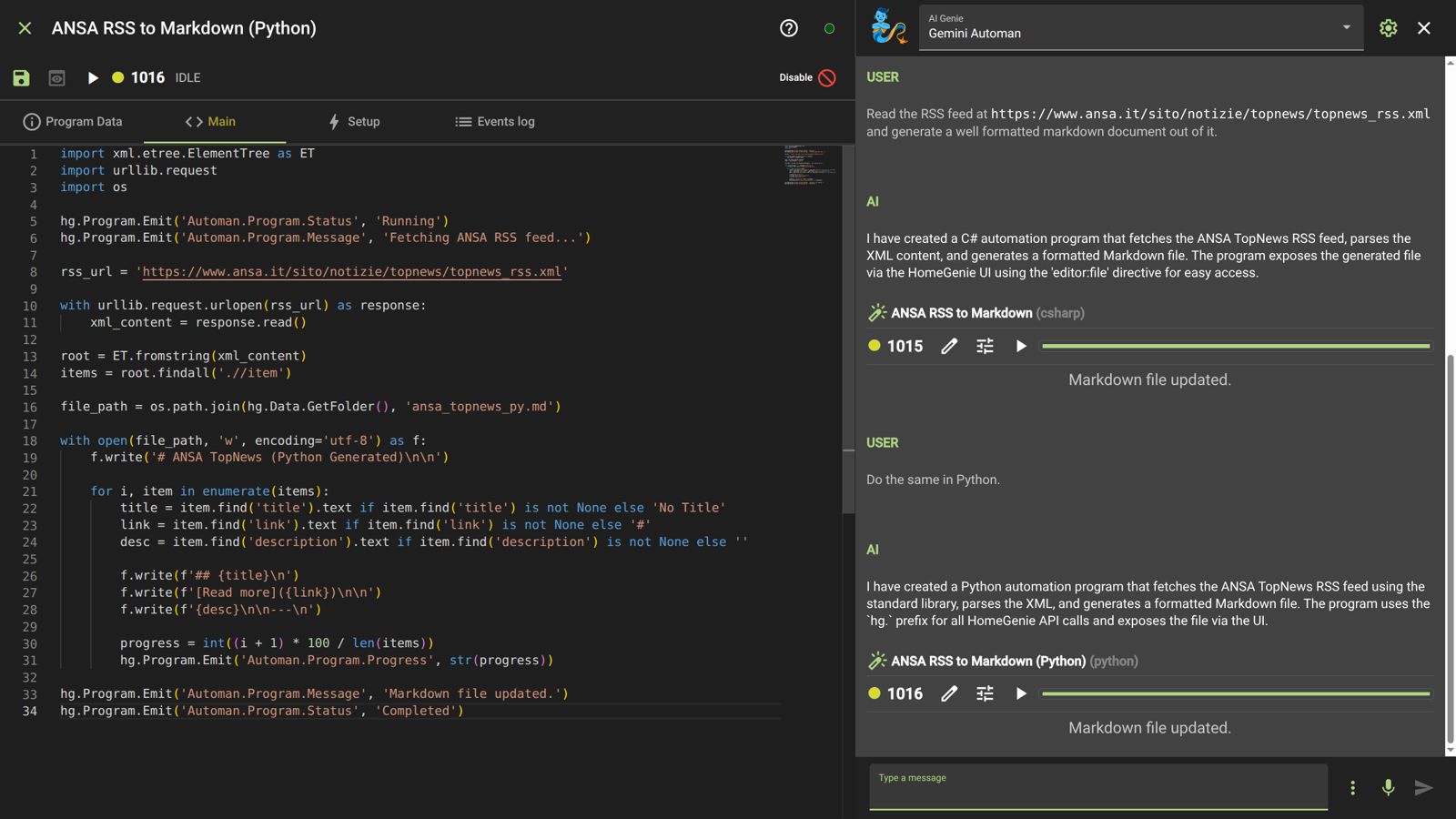
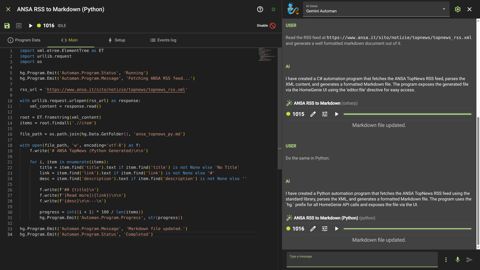
With the integrated Widget Genie, HomeGenie is now an AI-powered IDE. You can create complex automation programs simply by talking to the system.
If you have the Program Editor open, the Genie acts as a live pair-programmer.
Ctrl+Z.From the Programs page, you can:
.zip archive.Tapping the more_vert icon offers the following:
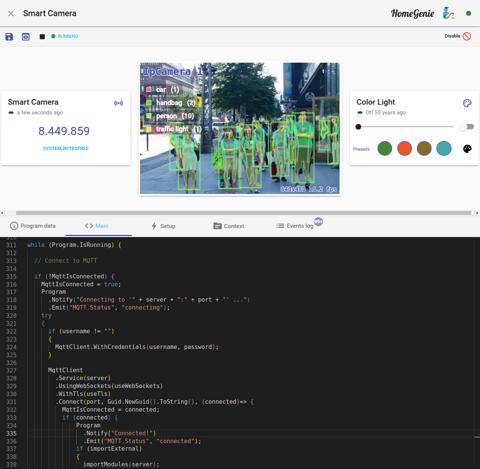
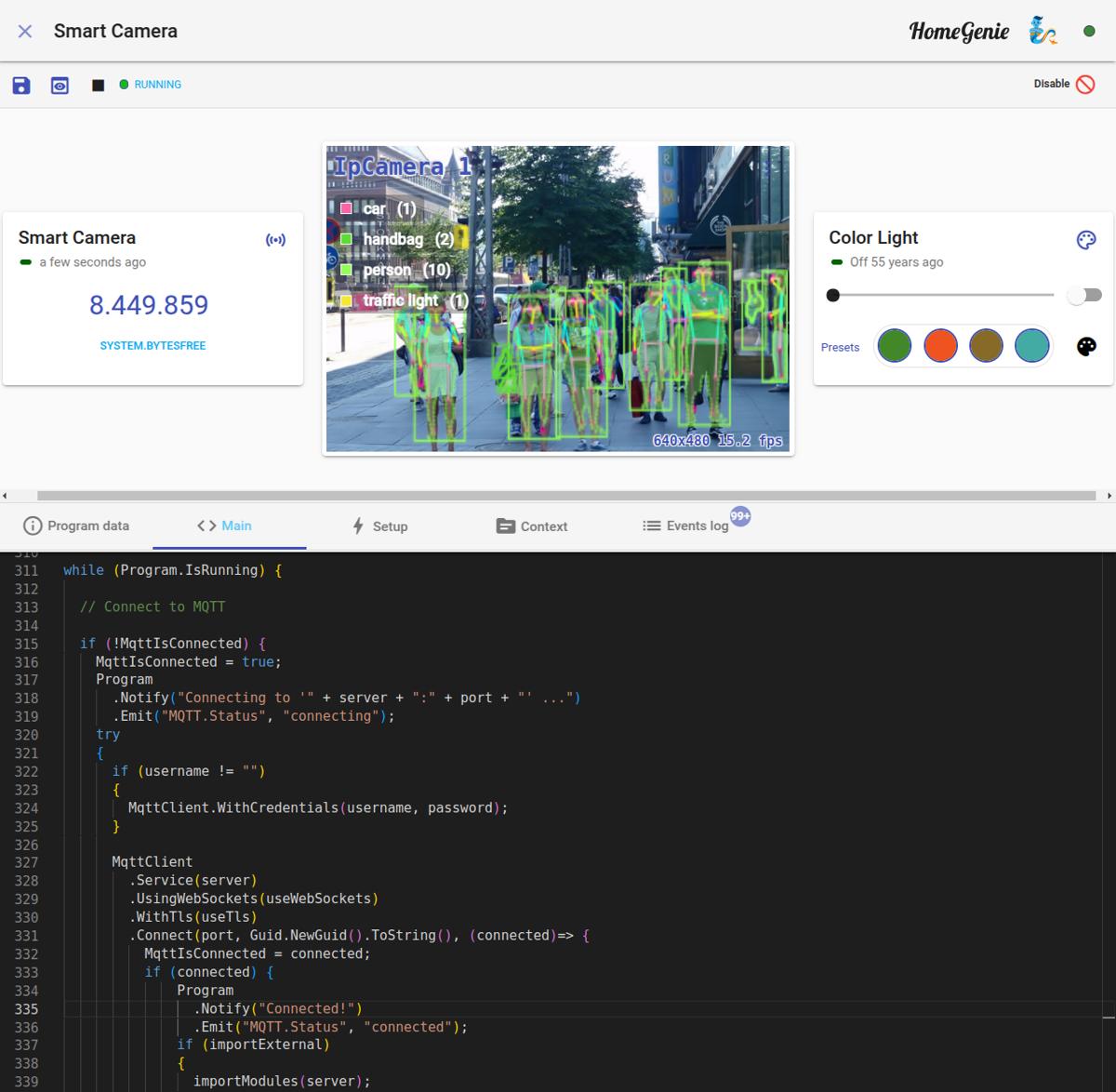
.zip file for backup or sharing.The editor is a full-featured development environment powered by Monaco (the engine behind VS Code).
HomeGenie programs are organized into logical blocks to separate configuration from execution:
The Setup code runs once when the program is enabled or the system starts. It is used to "link" the program to the rest of the system.
Program.AddFeature(...): Adds custom options to the settings dialog of other devices.Program.AddOption(...): Adds global configuration settings for the program itself.Program.Run(): Triggers the execution of the Main block.The Main block contains the core logic. This is where you define how the program reacts to events or how it loops in the background.
When.ModuleParameterChanged to react to sensor data.while (Program.IsRunning) for background tasks (always include a Pause() to save CPU).ScriptSource.This tab is reserved for helper classes, static methods, or external library references that need to be accessible globally within the program.
Available in the Program Data tab: